

There's nothing quite like the rush. You've set up your environment, typed out the request, hit enter. Then you stare at the screen. You're waiting. Did it work? Is the financial data finally there? That flicker of anticipation, then the cold hard facts of an HTTP status code.
Most times, especially starting out, it's not what you wanted. But when it's right, when you finally nail it and you see that glorious `200 OK` staring back at you from the server response? That’s the moment. That’s the exact instant your journey with financial data APIs, specifically FCS API, officially begins.
Chasing That 200 OK Status
Look, forget all the complex trading strategies for a minute. Before you can even think about arbitrage or backtesting, you need to make the system talk to you. You need a clean, undeniable signal that your request was valid, processed, and the data is waiting. That signal, for me, and for anyone serious about this, is always `200 OK`.
I remember my first call to a financial data service, years ago. Not FCS API, another one. I spent three hours just trying to get anything other than a `401 Unauthorized` or a cryptic `500 Server Error`. I thought I had everything right. Key was copied, endpoint looked good. Nope. Eventually, I realized I’d missed a single character in the API key. One character. The relief when that `200` popped up? Unforgettable.
That `200 OK` means the server understood what you wanted. It means your authentication was correct. It means your request parameters made sense. It means the data is there, ready for you to parse. It’s the green light. And when you’re just Getting Started with FCS API: Your First API Call, that’s all that matters.
Grabbing Your Key and Picking an Endpoint
First things first, you need an API key. This isn’t optional. You won't get far without one, and you certainly won't see a `200 OK`. Head over to the pricing plans page, sign up for a tier that fits what you’re doing, and snag that key. Guard it. Treat it like cash.
Next, decide what kind of data you're after. FCS API offers forex and crypto. Don’t try to hit a crypto endpoint expecting forex data, or vice versa. It’s a fast track to something in the `400` range, maybe even a `404 Not Found` if you mangle the path bad enough.
- For current foreign exchange rates, look at the forex documentation.
- For real-time cryptocurrency values, check the crypto API docs.
For your absolute first call, keep it simple. Don’t ask for historical data stretching back years. Don’t load up a dozen symbols. Just pick one, maybe two currency pairs or crypto assets. EUR/USD is always a safe bet for forex. BTC/USD for crypto. Makes troubleshooting easier if you do hit a snag.
Crafting the Request
Your API key needs to go into the request, usually as a query parameter or an HTTP header. The documentation spells this out clearly. Don’t guess. Guessing will earn you a `401 Unauthorized` every single time.
Then, the actual endpoint. For example, if you want a simple current quote for EUR/USD, you’d be looking at something like `/api/v2/forex/latest?symbols=EUR/USD&apikey=YOUR_API_KEY`. See how `symbols` is also a query parameter? It's not complicated, but it has to be precise. Misspell `symbols` as `symbol`, or forget the `?`, and you’ll get an error, not a `200`.
It’s all about structure. The right URL, the correct parameters, the valid API key. You get these three things dialed in, you're halfway to success. Most errors I've seen or personally made when Getting Started with FCS API: Your First API Call trace back to one of these fundamentals being off by a letter, a slash, or a casing.
The Thrill of a Good Response
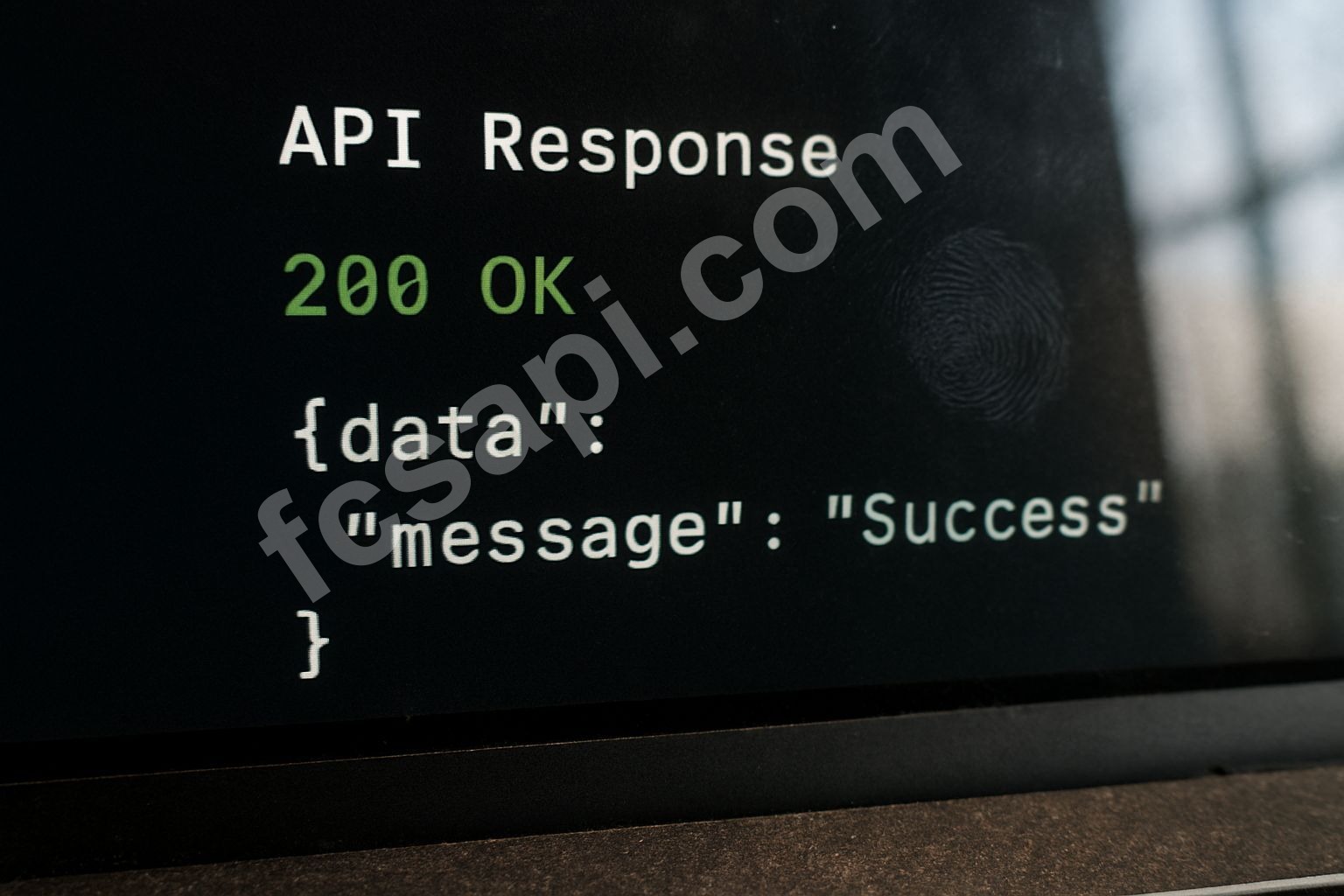
When you execute that properly formed request, whether in your browser, via `curl`, or through a coding language, and you see that `200 OK`, it’s satisfying. It means the server sent back data. Usually, that data is in JSON format, a readable, structured way to deliver information.
A typical successful response might look something like this:
{
    "status": "ok",
    "code": 200,
    "data": [
        {
            "symbol": "EUR/USD",
            "price": 1.085,
            "timestamp": 1678454400
        }
    ]
}
See that `"code": 200`? That’s the real gem. The `status: ok` is nice too, but `200` is the HTTP standard that shouts, "Success!" My earliest attempts, and many times since, I’d just scan for that number. If it wasn’t there, I’d re-evaluate everything. My personal best (or worst, depending how you look at it) was spending 45 minutes debugging my Python script only to find a trailing space in my API key string. Rookie mistake, but one you make once and never forget.
When It’s Not a 200: Common Pitfalls
Let's be real. Your first try might not be a `200`. It probably won't be. Don't sweat it. The journey of Getting Started with FCS API: Your First API Call is paved with temporary failures. Here are the usual suspects:
- 400 Bad Request: You messed up the request parameters. Missing a required one, wrong format for a date, malformed JSON if you're POSTing something (less common for simple `GET` current rates). Double-check the endpoint specific parameters in the documentation.
- 401 Unauthorized: Your API key is wrong, missing, or expired. Go back, copy-paste again. Ensure there are no invisible characters or spaces. Confirm your subscription is active on the pricing page. This is usually the easiest one to fix.
- 403 Forbidden: Your API key is correct, but it doesn't have permission for that specific endpoint or you've hit a rate limit. Some endpoints might be premium, or you've made too many requests too fast. Wait a bit, then try again.
- 404 Not Found: The endpoint URL is wrong. You mistyped `latest` or `forex` or something critical in the path. Check against the documentation character by character.
Every non-`200` code is a clue. It’s not a failure, it’s diagnostic information. Use it. Don't just re-run the same bad request expecting a different outcome. It won't happen. Change something, then try again.
Beyond the First `200`
Once you nail that initial `200 OK` for your first FCS API call, the real work begins. You’ll start parsing that JSON data in your chosen language. You'll want to store it, analyze it, maybe trigger actions based on price movements. This is where the magic happens.
Don't stop at one symbol. Explore other pairs, other crypto assets. Dig into historical data, which is a whole other beast but equally rewarding. Check out the blog for more strategies and insights into how others are using financial APIs.
The goal isn't just one successful call; it’s building a robust system that consistently pulls the data you need. And it all starts with that simple, beautiful `200 OK` status. You get that, you're in the game.
What's the first data point you're hoping to extract once you get your `200 OK`?