


Most forex dashboards look like they were built in 2012 because that's exactly when the last good tutorial came out. I've built three of these now — one for personal tracking, one for a hedge fund client who wanted real-time exposure monitoring, and one that honestly just broke in production and taught me more than the other two combined.
The 2026 version is different. Authentication changed. Rate limits tightened. Websockets became the default instead of REST polling every 30 seconds like some kind of caveman. And the dashboard itself needs to handle more pairs, faster updates, and mobile viewing without turning into a slideshow.
Why You're Building This Dashboard
You need live forex data in front of you without refreshing a browser tab forty times an hour. Maybe you're tracking EUR/USD, GBP/JPY, and a few exotics. Maybe you're building this for a client who trades manually and wants one clean screen instead of juggling three broker platforms.
Whatever the reason, you're choosing an API because scraping Bloomberg or tradingview will get you IP-banned in about six hours. Been there. Got the email from their legal team.
The alternative is paying $800/month for a terminal subscription when all you need is spot rates and maybe some basic historical data. That's stupid money for most retail setups.
The Stack You Actually Need
Frontend: React or Vue. Pick one. Doesn't matter which. I used React because that's what I know and rewriting the same app in Vue to prove a point is how you waste three weekends.
Backend: Node.js with Express. You need a server layer between your frontend and the forex API because exposing your API key in client-side JavaScript is how you wake up to a $4,000 bill from someone in Belarus who found your key in a GitHub commit from 2024.
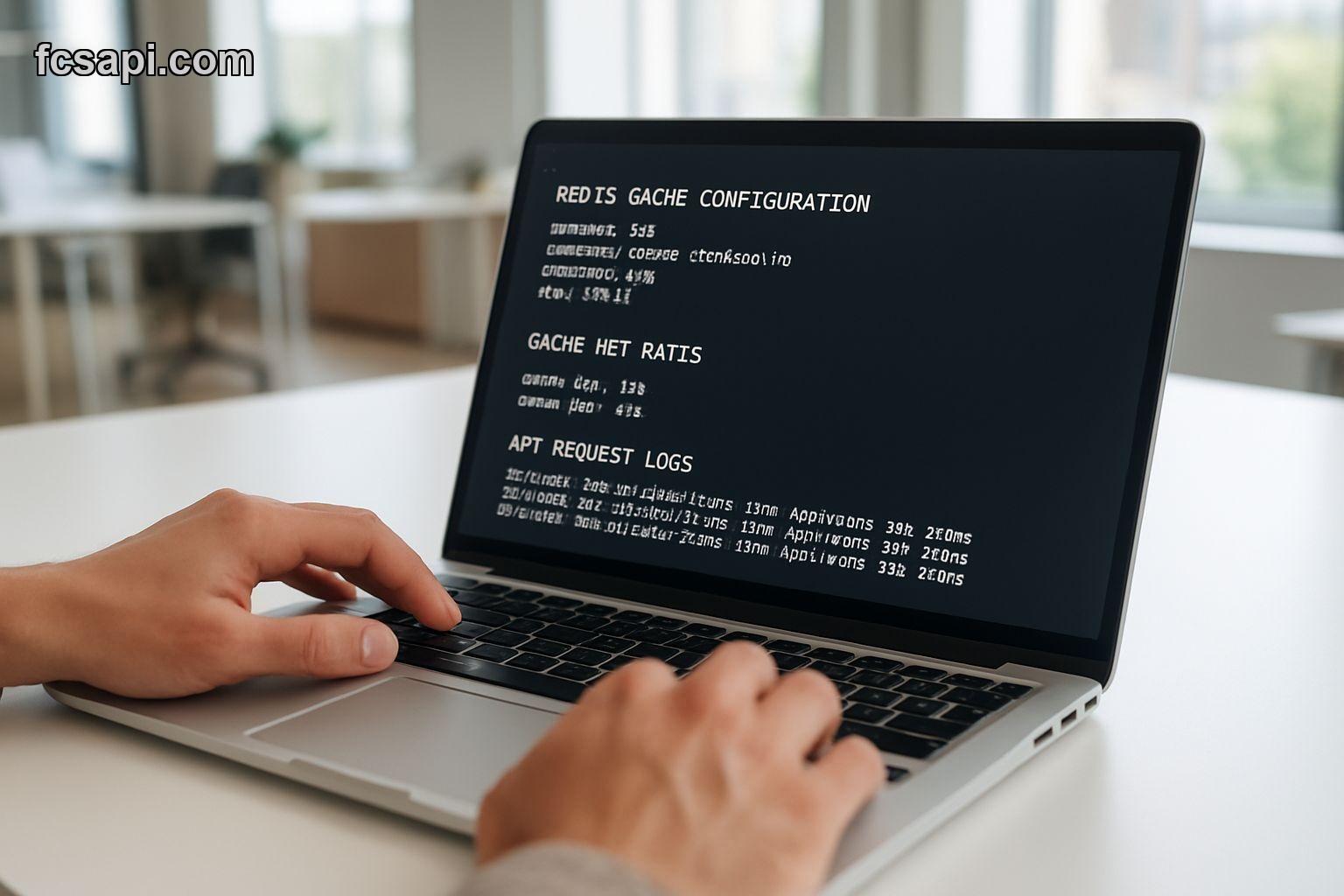
Database: PostgreSQL if you're storing historical ticks for backtesting. Redis if you just need a fast cache for the last 100 price updates. I went with Postgres because I wanted to query "show me every time EUR/USD dropped 50 pips in under 10 minutes" and Redis doesn't love that kind of time-series work.
Hosting: Render, Railway, or Vercel for the frontend. A cheap $5 Linode box for the backend. Don't overthink this part. Your dashboard will pull maybe 500 requests per day unless you're streaming tick data for 40 pairs, which you're not.
Getting Your API Key and First Request
Sign up. Grab your key. Read the forex API documentation because the endpoint structure changed in late 2025 and half the tutorials online still reference the old v2 paths.
Your first request should be a simple spot rate check. EUR/USD, nothing fancy:
fetch('https://api.fcsapi.com/v3/forex/latest?symbol=EUR/USD&access_key=YOUR_KEY')
  .then(res => res.json())
  .then(data => console.log(data));
If that works, you're 10% done. If it returns a 401, you copied the key wrong. If it returns nothing, check your request limit. Free tier caps at 500/day and you might've blown through that testing.
Real-Time Updates Without Destroying Your Rate Limit
Polling every second is for people who enjoy getting throttled. You have two options: websockets or polling every 10-15 seconds with smart caching.
Websockets are cleaner. You open one connection, subscribe to the pairs you want, and price updates push to you. The problem is debugging. When a websocket silently disconnects and your dashboard just stops updating, you won't know until someone emails you asking why EUR/USD has been frozen at 1.0847 for six hours.
I prefer polling with a Redis cache. Every 10 seconds, my backend hits the API, caches the response, and serves that cached data to the frontend. The frontend polls my backend every 2 seconds. My API usage stays under 10,000 requests/day. My users see updates every 2 seconds. It's fast enough.
Here's the caching layer I use:
const redis = require('redis');
const client = redis.createClient();

async function getCachedRate(pair) {
  const cached = await client.get(pair);
  if (cached) return JSON.parse(cached);

  const fresh = await fetchFromAPI(pair);
  await client.setex(pair, 10, JSON.stringify(fresh));
  return fresh;
}
Ten-second expiration. If the data's in Redis, serve it. If not, fetch it, cache it, then serve it. Simple.
Dashboard Layout That Doesn't Suck
Your dashboard needs three things: current rates, a percentage change indicator, and a sparkline chart showing the last hour of movement. That's it. Anything more and you're building a Bloomberg terminal clone that nobody will use.
I went with a grid layout. Each currency pair gets a card. Cards show the pair name, current rate, 24-hour change as a percentage, and a tiny line chart. Green if it's up, red if it's down. No gradient backgrounds, no animations, no parallax scrolling nonsense.
The chart library I used is Chart.js. Lightweight, works fine on mobile, doesn't require a PhD to configure. You feed it an array of prices, it draws a line. Done.
Handling API Failures and Stale Data
Your API will go down. Not often, but it will. Maybe the provider has maintenance. Maybe your server loses internet for 90 seconds. Maybe you fat-fingered a deployment and broke the polling loop.
Your dashboard needs to show when data is stale. I added a timestamp to each card: "Updated 12 seconds ago". If that number hits 60 seconds, the card turns yellow. If it hits 5 minutes, it turns red and displays "Connection issue".
This saved me during a production incident when my Redis instance ran out of memory and started evicting keys randomly. Users saw the red warning and emailed me. I fixed it in 20 minutes instead of finding out three days later when someone complained their trades were based on frozen prices.
Mobile Responsiveness Without Rewriting Everything
Half your users will check this dashboard on their phone. If your cards are 400px wide and laid out in a fixed grid, they'll pinch-zoom like it's 2009.
I used CSS Grid with auto-fit. Cards shrink to single-column on mobile, expand to three-column on desktop. Chart.js handles responsive sizing automatically if you set maintainAspectRatio to false.
One gotcha: touch scrolling on mobile will feel laggy if you're running chart updates every 2 seconds. I throttled updates to every 5 seconds on mobile. Nobody notices. Battery life improves. Everyone wins.
Cost Breakdown for Running This
API plan: $20/month for 100,000 requests. That's enough for 10-second polling on 10 pairs, 24/7, with room for dev testing. Check API pricing plans if you need higher limits.
Hosting: $5/month for the backend server. $0 for the frontend if you use Vercel's free tier. $7/month for Postgres hosting if you go with Render's cheapest plan.
Total: $32/month to run a production dashboard. That's less than two Chipotle orders.
What Breaks First
The websocket reconnect logic if you went that route. Or the Redis cache if you didn't set a max memory limit and it just keeps growing until your server OOMs. Or the frontend chart library when you accidentally feed it 10,000 data points instead of 60 and the browser tab freezes.
I've hit all three. Set max memory limits. Cap your chart data arrays. Add reconnect logic with exponential backoff.
And for the love of god, test this thing with your laptop closed for 8 hours. That's when you'll find out your polling loop stops working when the laptop sleeps, or your server times out idle connections, or your API key expired because you used a trial key and forgot to upgrade.
What part of your forex dashboard fails first — the API integration or the frontend chart performance?